Web Creation Nepal Private Limited
Get a Quote

Contact Support

977-01-5343968 / 9851029233[email protected]
Sunday – Friday: 09:00 AM – 06:00 PM

Retail POS + Ecommerce in Nepal: One System for Shop & Online

November 6, 2026
13 min read
Share:
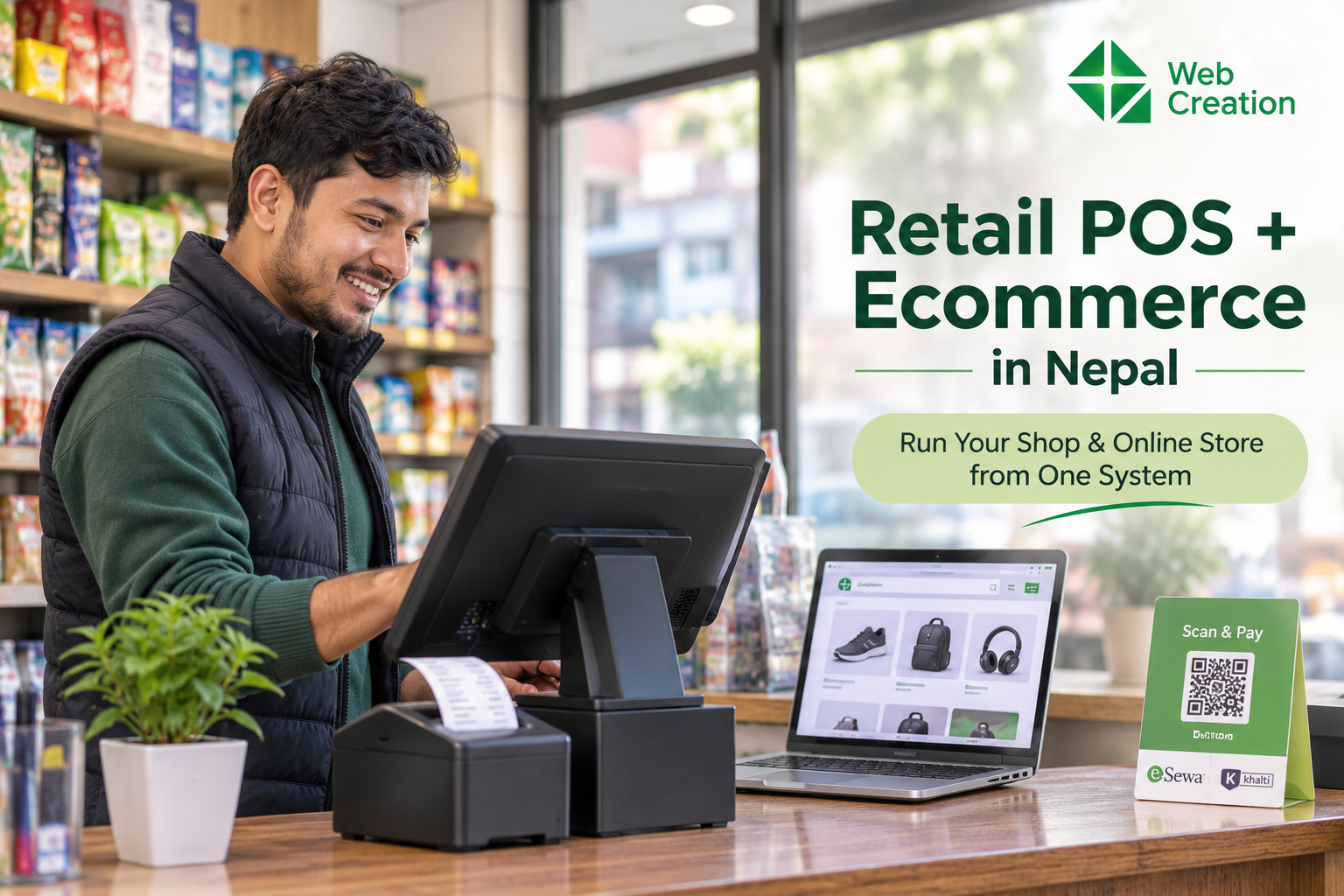
Shop owner in Nepal using a POS system that is connected to an online store
Listen to this article

Sell in your shop and online from one system. Sync stock, print 13% VAT bills and take eSewa and Khalti. A simple guide for Nepali retailers.

What Is a Retail POS and Ecommerce System?

A POS (point of sale) is the software at your billing counter. It scans products, makes the bill, takes the payment and prints the receipt. Your ecommerce store is the website where customers browse and order. If you are new to selling online, our guide on how to start an online business in Nepal is a good place to begin.

When the two are connected, they share one set of data:

  • Products, prices and photos
  • Stock quantities
  • Customer details
  • Orders and payments
  • Sales reports

Sell something in the shop, and the online stock goes down. Get an online order, and the counter knows that item is reserved. Nobody has to open a spreadsheet and fix numbers by hand.

What Goes Wrong When Shop and Online Stay Separate

Most shop owners put up with these problems for a long time because they seem normal:

  • You sell the same item twice, once in the shop and once online.
  • Staff type every product and price change two times.
  • Stock numbers drift further from reality every week.
  • You cannot tell which products really make you money.
  • End-of-day accounts and VAT bills take hours.
  • Customers get cancellation calls, and they remember them.

None of these will close your business. Together, though, they eat your time and your customers' trust.

How Does POS and Online Store Sync Work?

It is simpler than it sounds.

  1. Add a product once. It shows up in the POS and the online store with the same price and stock.
  2. Sell it in the shop. The cashier scans the barcode, the bill prints, and the online stock drops straight away.
  3. Sell it online. The order lands on your dashboard, the stock is held for that customer, and your team can pack it.
  4. Send it out. The order goes to your delivery partner, and the status is updated.
  5. Check your reports. Shop and online sales sit in one report, by product, branch, staff member and day.

If you want the bigger picture of building an online store, read our ecommerce development in Nepal guide.

Features to Look for in Retail POS Software in Nepal

Real-time stock sync

This is the whole point. Stock should update in seconds on every channel. If you have more than one branch, make sure you can see stock by location and move items between branches.

Fast barcode billing

The counter must stay quick when the shop is busy. Look for barcode scanning, hold and resume bills, discounts, returns, and support for the receipt printer you already use.

13% VAT billing

If your business is VAT registered, your system should work out 13% VAT correctly and print invoices with the details the Inland Revenue Department (IRD) expects, such as your PAN, the invoice number and the VAT amount. It should also keep a clean sales record for your VAT returns. Rules and formats can change, so check the latest IRD requirements or ask your accountant before you choose software.

Local payments

Your customers pay with eSewa, Khalti, bank QR and cash on delivery. Make sure the system handles the ones your customers actually use, online and at the counter.

Delivery management

You should be able to send orders to your courier, follow their status and keep track of cash on delivery money.

Reports and staff permissions

Look for daily sales, best sellers, low-stock alerts and profit by product. Staff roles help too, so only the right people can change prices or give discounts.

Cloud access

With a cloud system you can check sales from your phone, add a branch without buying a new server, and avoid losing data if a computer breaks. Ask what happens during a short internet cut.

Why Nepali Retailers Are Moving to One System

  • Fewer cancelled orders, because your stock is right.
  • Less typing, because you update a product once.
  • Quicker, cleaner billing, with VAT worked out for you.
  • Smarter buying, because you can see what sells in the shop and what sells online.
  • Easier growth, whether that means a second branch or more online sales.

Separate Systems vs One Connected System


Separate systemsConnected POS + ecommerce
Stock updatesBy hand, often lateAutomatic, real time
Risk of selling out-of-stock itemsHighLow
Adding a productDone twiceDone once
VAT billingHandled separatelyBuilt into one system
ReportsPut together by handOne dashboard
Adding a new branchSlow and costlySimple

Which Businesses Need It?

Any business that sells products in a shop and wants to sell online will gain from it. It works especially well for:

  • Fashion and clothing stores
  • Cosmetics and beauty shops
  • Electronics and mobile shops
  • Grocery and general stores
  • Home decor and gift shops
  • Pharmacies and health stores
  • Businesses with more than one branch

If you want a marketplace where many sellers list products, see our guide to building a multivendor ecommerce website in Nepal. If you run a restaurant, you may prefer a restaurant website with online ordering.

How to Choose the Right Platform

Ask the company these questions before you pay:

  • Does stock sync in real time between my shop and online store?
  • Does it handle 13% VAT billing and the invoice details IRD expects?
  • Can it take eSewa, Khalti, QR and cash on delivery?
  • Does it work with my courier?
  • Does it support my barcode scanner and receipt printer?
  • Can I manage more than one branch?
  • Is support available in Nepal, in my language and in my working hours?
  • What is the full cost, including setup, training and monthly fees?

Not sure which technology suits your online store? Our comparison of WordPress, Laravel and Next.js for businesses in Nepal can help.

How BYAPARO Helps

BYAPARO puts your retail POS, online store and cloud ERP in one system, built for businesses in Nepal.

  • Retail POS with fast barcode billing
  • An online store that uses the same stock
  • 13% IRD VAT billing
  • Multi-branch inventory and reports
  • Cloud access from your computer or phone

You can see more of what we build on our services page. Edit this list so it only includes features your platform really offers.

Want to see it working with your own products? Book a free demo and we will show you the POS, online store and VAT billing in action.

How to Get Started

  1. List your products. Gather names, prices, SKUs, barcodes and photos.
  2. Count your stock. Start with true numbers so the sync can be trusted.
  3. Pick your payment and delivery partners.
  4. Set up your billing details, including your PAN and VAT settings.
  5. Train your staff on the POS before you go live.
  6. Launch your online store once the shop system runs smoothly.
  7. Check reports every week and adjust your stock and prices.

Want people to find your new store on Google? Read about SEO services in Nepal to see what to expect.

Frequently Asked Questions (FAQ)

What is the best POS system for a retail shop in Nepal?
The best one handles 13% VAT billing, works with barcode scanners, supports local payments and connects to your online store. Compare features, support and total cost before you decide.
Can I connect my shop POS to an online store?
Yes. A system that includes both, or connects them through an integration, keeps products, stock and orders in sync.
Does POS software in Nepal support VAT billing?
Many do. Check that it calculates 13% VAT and prints the invoice details IRD requires, and confirm the current rules with your accountant.
Can I accept eSewa and Khalti?
Online, yes, if the platform has those gateways. At the counter, many shops accept QR payments, so ask your provider what they support.
Is cloud POS safe for my business data?
A good cloud system uses secure logins, staff permissions and regular backups. Ask your provider how your data is protected.
How much does a retail POS and ecommerce system cost?
It depends on your branches, users, features and support. Ask for a clear quote that lists setup and monthly costs.

Discussion & Feedback

Share your thoughts, ask questions, or provide feedback on this blog. All comments are moderated before being published.

Leave a Reply

Your email address will not be published. Required fields are marked *

Recent Comments

Loading discussion...
Call: 9851029233Email: [email protected]