
Web Creation Nepal Private Limited
Get a Quote

Contact Support

977-01-5343968 / 9851029233[email protected]
Sunday – Friday: 09:00 AM – 06:00 PM

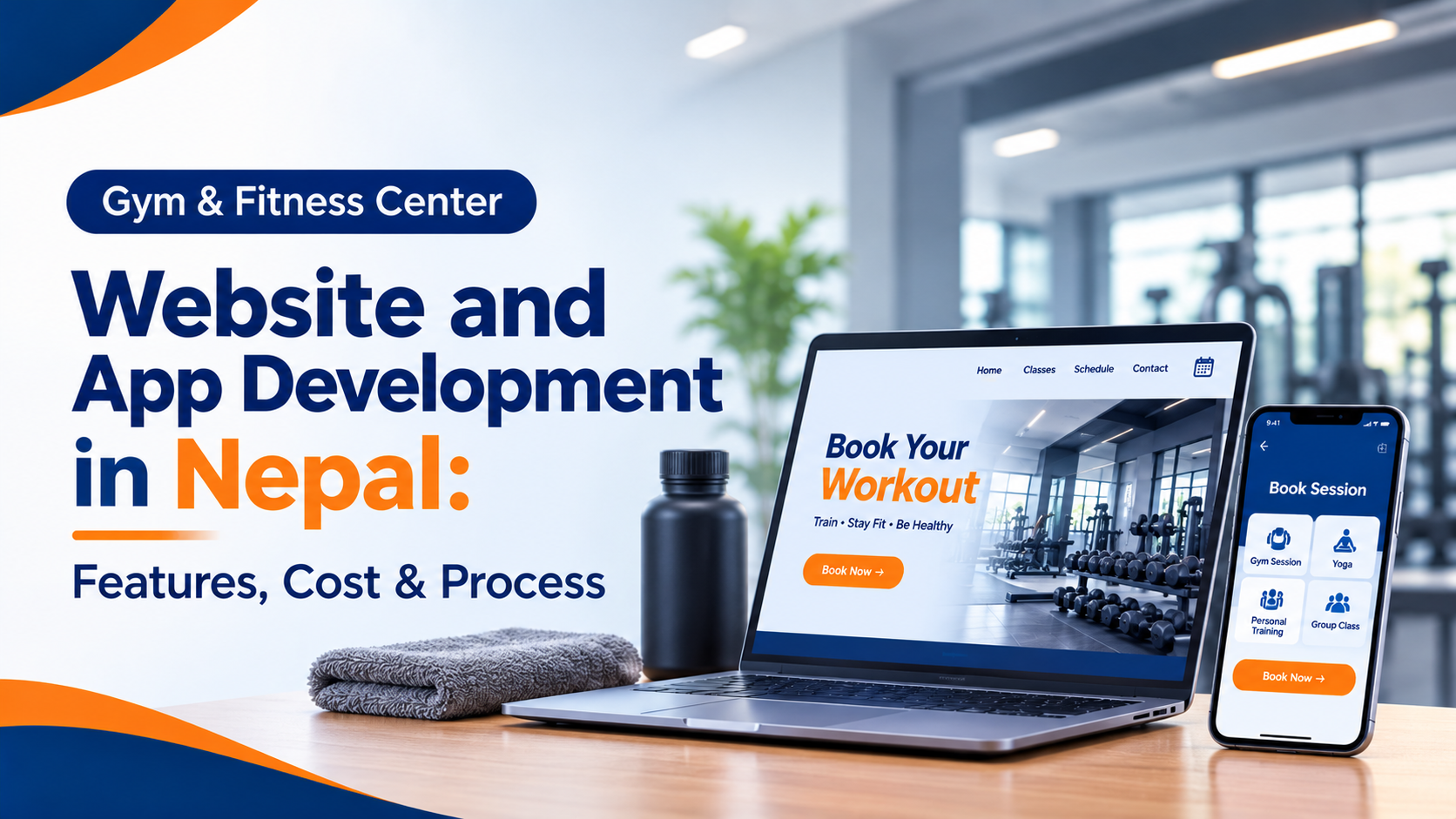
Gym & Fitness Center Website and App Development in Nepal: Features, Cost & Process

November 2, 2026
12 min read
Share:
Gym Booking Website and App
Listen to this article

Planning a gym or fitness center website or app in Nepal? See must-have features, eSewa/Khalti payments, realistic costs in NPR and how to choose a developer.

Gym Website Development Nepal

Running a gym in Nepal today means competing with new fitness centers opening in every neighborhood of Kathmandu, Pokhara and Lalitpur. Most members now find a gym on Google or Instagram before they ever walk through the door. If your gym has no website, or only a Facebook page, you are losing sign-ups to competitors who look more professional online.

This guide explains what a gym website and app should include, what it can cost in Nepal, and how to get it built without wasting money.

Do You Need a Website, an App, or Both?

This is the first question every gym owner asks. The short answer:

  • Website: helps new people find you on Google, see your prices and trainers, and contact you. Every gym needs one.
  • Mobile app: helps existing members book classes, track attendance, pay fees and stay engaged. Worth it once you have around 150+ members or multiple branches.
  • Both: the best long-term setup. The website brings in new members and the app keeps them.

If your budget is limited, start with the website and add the app later. A good developer will build the website so the app can connect to it afterwards.

Must-Have Features for a Gym Website

  • Clear homepage: location, opening hours, a strong photo of your gym and one clear button such as "Book a Free Trial".
  • Membership plans and pricing: monthly, quarterly and yearly plans shown in NPR.
  • Class and schedule page: yoga, Zumba, CrossFit, strength training and so on, with timings.
  • Trainer profiles: photos, experience and certifications build trust.
  • Photo and video gallery: show your equipment, space and real members.
  • Online inquiry and trial booking form: connected to WhatsApp or email so no lead is missed.
  • Online payment: eSewa, Khalti or Fonepay for memberships.
  • Google Maps and click-to-call: most Nepali visitors browse on mobile, so this matters.
  • Reviews and transformation stories: social proof brings in new members.
  • Blog: local SEO articles such as "Best gym in Bagbazar" help you rank.

Must-Have Features for a Gym App

For members

  • Sign up and log in
  • View and renew membership
  • Pay fees with eSewa or Khalti (see how online payments work in Nepal)
  • Book classes and personal training sessions
  • QR code or check-in attendance
  • Workout and diet plans from trainers
  • Progress tracking such as weight and measurements
  • Push notifications for offers, class changes and expiry reminders

For owners and staff (admin panel)

  • Member database and membership status
  • Automatic fee reminders by SMS, email or push notification
  • Attendance reports
  • Trainer scheduling
  • Income and expense reports
  • Offer and discount management
  • Multi-branch support

A good system replaces paper registers and Excel sheets, which makes it much harder for expired memberships to go unnoticed.

Gym Booking System: Classes, Trainers and Free Trials

An online booking system lets members and walk-in leads reserve a class, trainer session or free trial without calling or messaging your front desk. For gyms in Nepal, it also cuts missed WhatsApp inquiries and double bookings.

What members can book

  • Group classes such as yoga, Zumba, aerobics and CrossFit
  • Personal training sessions with a chosen trainer
  • Free trial passes for new visitors
  • Special workshops, challenges and events

Key booking features

  • Live class calendar: members see timings, trainer names and remaining spots.
  • Capacity limits and waitlist: when a class is full, the member joins a waitlist and is notified if a spot opens.
  • Trainer availability: each trainer sets working hours, and only free slots can be booked.
  • Membership check: only active members can book, and expired members are asked to renew first.
  • Online payment: pay for single classes or packages with eSewa, Khalti or Fonepay.
  • Reminders: SMS, email or push notifications before each session reduce no-shows.
  • Cancellation and rescheduling rules: for example, free cancellation up to 2 hours before class.
  • Check-in: a QR code or staff confirmation marks attendance.
  • Admin view: owners see bookings, attendance, popular classes and trainer workload in one dashboard.

How a booking works

  1. The member opens the website or app and picks a class or trainer.
  2. The system checks the membership status and available spots.
  3. The member confirms, and pays if the session is not included in their plan.
  4. A confirmation and reminder are sent automatically.
  5. The member checks in, and attendance is recorded.

Tips for Nepali gyms

  • Keep the booking form short: name, phone number and preferred time are enough for a free trial.
  • Add a WhatsApp or call button next to booking for members who prefer to talk.
  • Make sure the booking page loads fast on mobile data.
  • Use Nepal Standard Time and show prices in NPR so there is no confusion.

If you only need booking and not a full app, ask your developer for a booking module on your website first. It is usually cheaper and can be connected to a member app later.

How Much Does It Cost in Nepal?

Prices vary by developer, features and design, so treat these as rough planning ranges and ask for a written quote.

OptionTypical range (NPR)Best for
Basic gym website25,000 – 60,000Single gym, information and inquiries
Website with online payment and booking60,000 – 150,000Gyms wanting trials and memberships online
Gym management software (admin panel)100,000 – 300,000Owners replacing manual records
Member mobile app (Android and iOS)250,000 – 800,000+Larger gyms and chains

What changes the price

  • Number of features and screens
  • Android only versus Android and iOS (see our mobile app cost guide)
  • Payment gateway integration
  • Custom design versus a template
  • Number of branches
  • Ongoing hosting, maintenance and support

Hidden costs to ask about: domain and hosting renewal, Apple and Google developer accounts, SMS credits, payment gateway fees and yearly maintenance.


The Development Process

  • Discovery: the developer learns about your gym, members and goals.
  • Planning: features, pages and budget are agreed in writing.
  • Design: you review mockups of the website or app before any coding starts.
  • Development: the website, app and admin panel are built.
  • Testing: payments, bookings and notifications are checked on real phones.
  • Launch: the site goes live and the app is published on the Play Store and App Store.
  • Training and support: your staff learn the system and the developer fixes issues after launch.

A website usually takes 2–4 weeks. A full app with an admin panel typically takes 2–4 months.

Tips to Get More Members Online

  • Add a Google Business Profile: this puts your gym on Google Maps and in "gym near me" searches.
  • Offer a free trial pass: it gives visitors a low-risk reason to contact you.
  • Use local keywords: for example "gym in Baneshwor" or "fitness center in Lakeside".
  • Show real photos: stock images make people suspicious.
  • Link Instagram and Facebook: your social content should drive people to your website.
  • Make it fast on mobile: slow sites lose visitors quickly.

How to Choose a Developer

  • Ask to see real projects, not just templates.
  • Check that they have Nepal payment gateway experience (eSewa, Khalti).
  • Make sure the price, timeline and support terms are in writing.
  • Confirm you own the website, code and data.
  • Ask about after-launch support and who fixes bugs.
  • Prefer a team that understands SEO, so your gym can be found on Google.

Conclusion

A professional website helps people find and trust your gym, and a member app keeps them paying and coming back. Start with what your budget allows, choose a developer who understands Nepal's payments and market, and plan for growth.

Ready to build your gym's website or app? Get a free quote from Web Creation Nepal and we will recommend the right setup for your fitness center.

Related reading

Frequently Asked Questions (FAQ)

How much does a gym website cost in Nepal?
A basic gym website usually starts from around NPR 25,000, while sites with payments and booking cost more. Get a written quote based on your exact needs.
Can members pay gym fees online in Nepal?
Yes. Gateways such as eSewa and Khalti can be integrated into a website or app for membership payments.
Do I need an app if I already have a website?
Not always. If you have a smaller gym, a website plus management software may be enough. An app becomes valuable as your membership grows.
How long does it take to build a gym app?
Usually 2–4 months, depending on features and platforms.
Can one system manage multiple gym branches?
Yes. A proper gym management system can handle several branches, members and staff from one admin panel.

Discussion & Feedback

Share your thoughts, ask questions, or provide feedback on this blog. All comments are moderated before being published.

Leave a Reply

Your email address will not be published. Required fields are marked *

Recent Comments

Loading discussion...
Call: 9851029233Email: [email protected]