Web Creation Nepal Private Limited
Get a Quote

Contact Support

977-01-5343968 / 9851029233[email protected]
Sunday – Friday: 09:00 AM – 06:00 PM

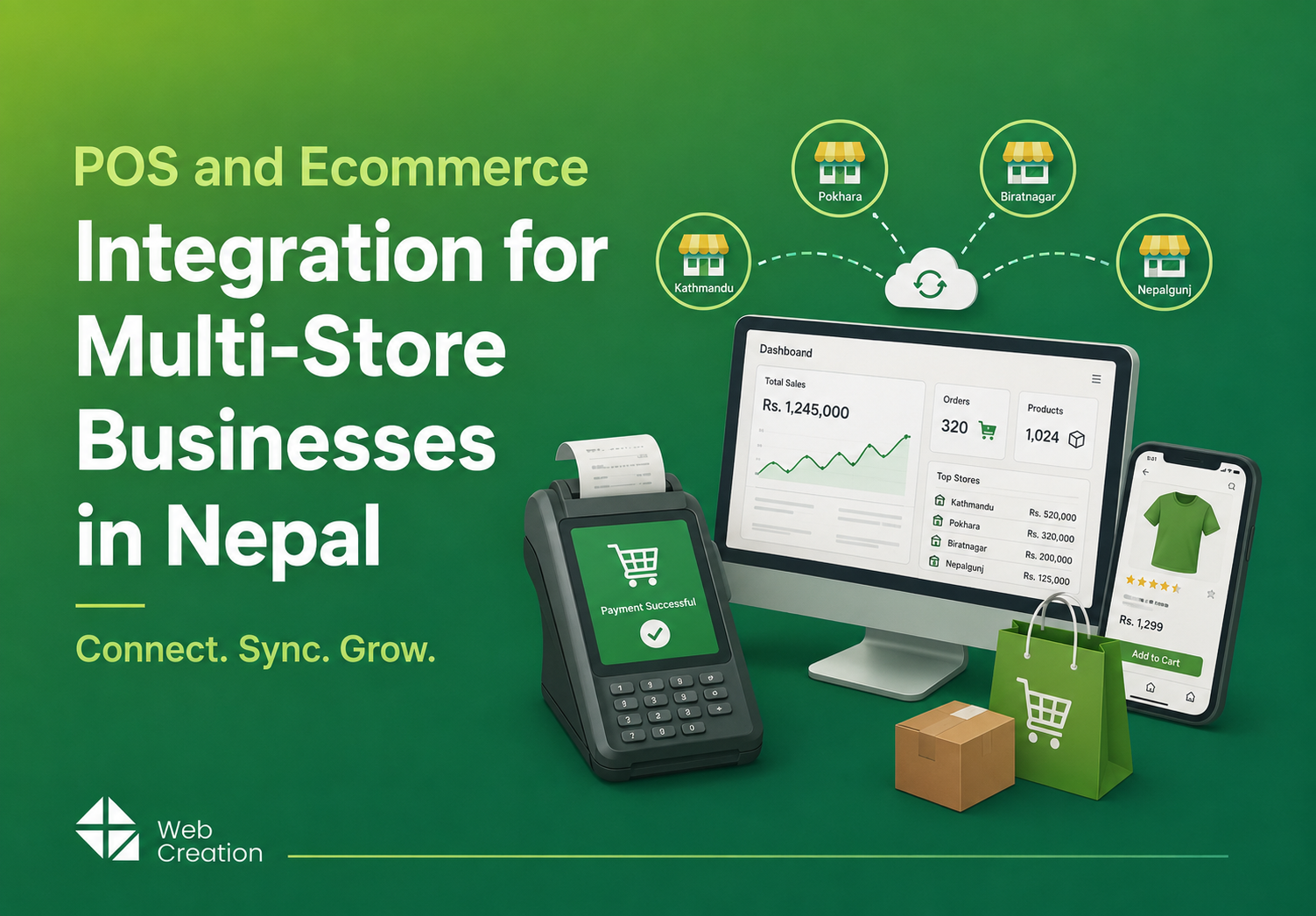
POS and Ecommerce Integration for Multi-Store Businesses in Nepal

August 20, 2026
5 min read
Share:
POS and Ecommerce Integration for Multi-Store Businesses in Nepal
Listen to this article

Discover how POS and ecommerce integration can help multi-store businesses in Nepal streamline inventory, simplify billing, and boost sales. Learn best practices for connecting your retail locations and online store, plus tips on choosing the right system for Nepali retailers.

POS and Ecommerce Integration Nepal

Retailers in Nepal now sell both in-store and online. A customer might browse your website before heading to your Thamel branch, or check your Pokhara store’s stock online before stopping by. This helps your business grow, but if your POS and ecommerce systems aren’t linked, inventory gets out of sync, billing gets messy, and your team spends too much time sorting out the numbers.
This guide covers what POS and ecommerce integration means for multi-store businesses in Nepal, why it matters, and how to set it up.
What Is POS and Ecommerce Integration?

Integration simply means your point-of-sale system and your online store use the same backend, instead of running as two separate systems that only sync up once in a while. All your inventory, orders, prices, and customer info live in one place—so both your in-store checkout and your website always pull from the same data.
POS Integration in Nepal

For example, if someone buys something at your Lalitpur store, your online stock updates instantly. If a customer orders from your website, the nearest store can see it right away and handle the fulfillment. Change a price once, and it’s updated everywhere. Some people call this a "360° retail system"—every channel and store location stays in sync, all the time.

Why Multi-Store Businesses in Nepal Need This

If your systems aren’t connected, the problems only multiply as you add more stores:
  • Manual stock updates across branches eat up staff time and introduce errors
  • Inconsistent pricing between stores, or between online and offline, frustrates customers
  • Delayed reporting means decisions get made on data that's hours or days old
  • Stockouts and overselling happen when your online store doesn't know what's actually on the shelf
As online orders keep growing across Kathmandu Valley (and beyond), not integrating your systems can really cost you—lost sales, wasted staff time, and unhappy customers.

Core Components of an Integrated System

So what does a well-integrated POS and ecommerce setup actually look like? Here are the basics:
  • Centralized inventory management — one stock count across every store and your online channel
  • Unified billing and invoicing — the same billing logic whether a sale happens in-store or online
  • Customer data sync — order history, loyalty points, and preferences visible across all channels
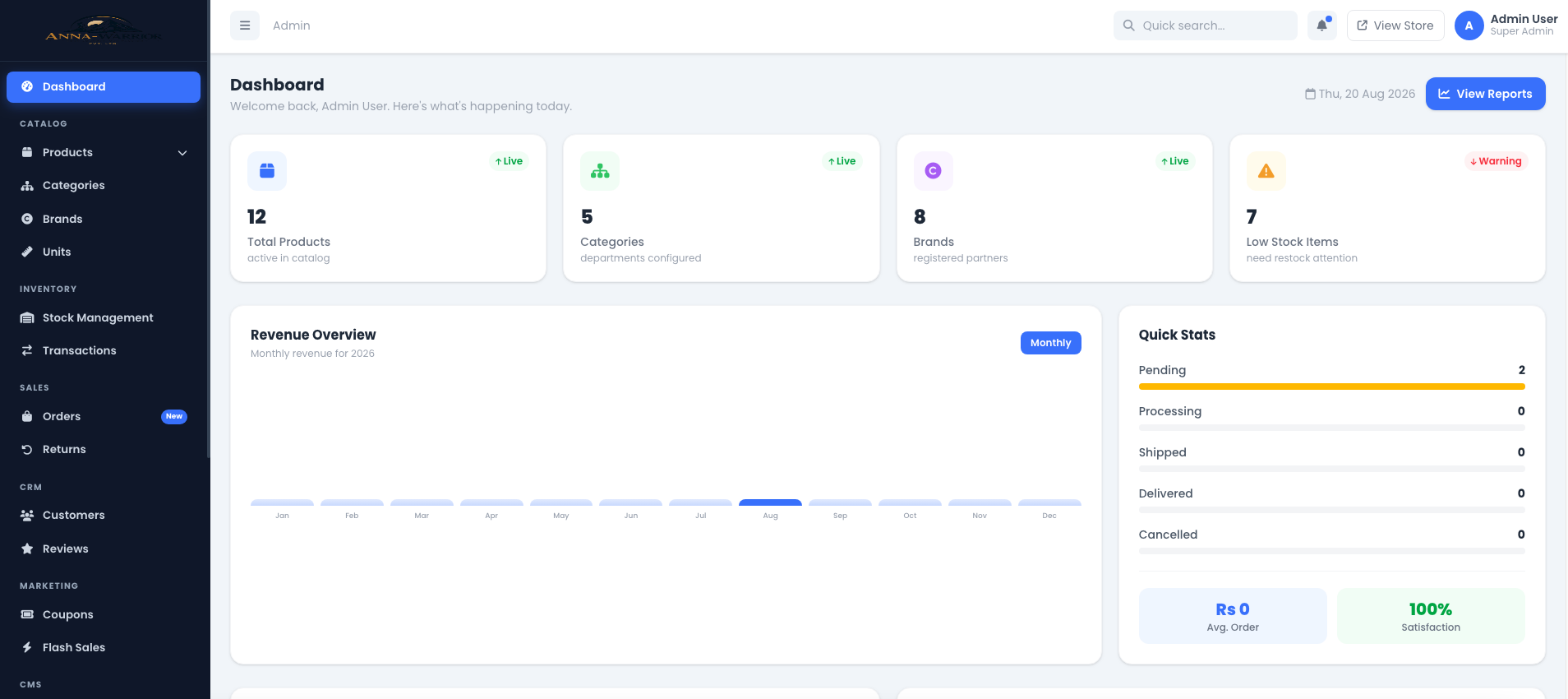
  • Multi-store reporting dashboard — sales, stock, and performance data for every location in one place
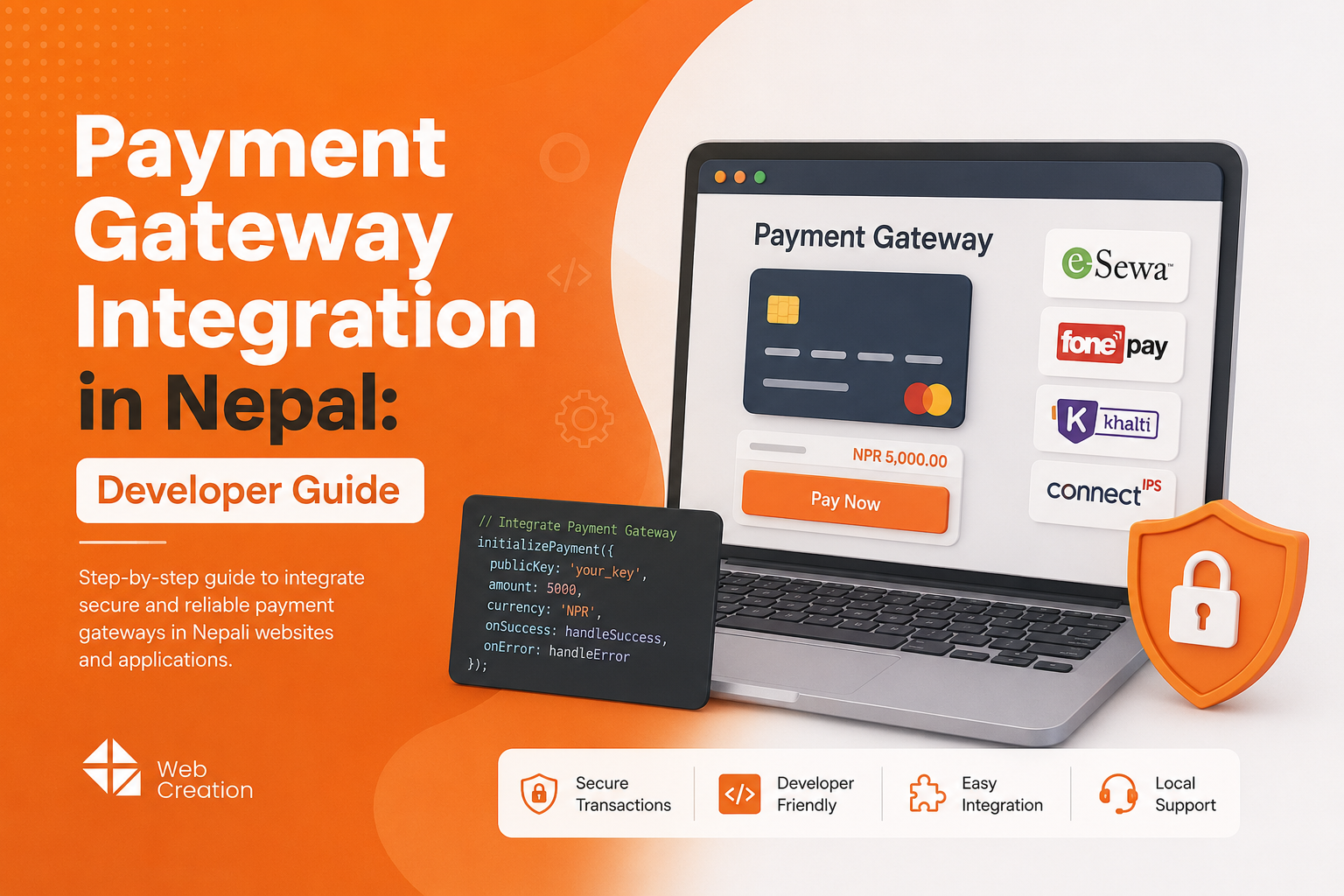
  • Local payment gateway integration — Esewa, Khalti, ConnectIPS, and bank gateways connected directly to billing

Step-by-Step: How the Integration Works

  1. Start by centralizing your product catalog. Every product, variant, and price should live in one system, so both your POS terminals and website pull from the same source.
  2. Sync your inventory in real time. Whenever something is sold, returned, or transferred between stores, the stock count updates instantly across the board.
  3. Bring all your orders together in one system. Online orders show up for the store that’s best positioned to fulfill them—no more missed sales or confusion.
  4. Make sure your POS terminals are plugged into the same backend. That way, both in-store billing and online checkout run through a single system, so you don’t have to manually reconcile anything later.
  5. Set up centralized reporting, too. With one dashboard, you can see sales, inventory, and performance across every store and your online channel—no more jumping between apps.

Benefits for Multi-Store Retailers

Once everything’s connected:
  • Accurate stock levels everywhere, all the time
  • Faster checkout, both online and in-store
  • One reliable source of data for business decisions
  • A smoother customer experience, including options like buy-online, pick-up-in-store

Common Challenges and How to Avoid Them

  • Choosing software that can’t grow with you. Some POS systems are fine for one shop, but they’re not built for multiple branches. Always confirm multi-store support before you commit.
  • Unreliable internet. Not every location gets strong, steady internet. Choose a system with offline mode, so billing keeps working even during outages and syncs up when the connection is back.
  • Training your team across locations. Rolling out new tech across several stores means you’ll need to train multiple groups. It’s smart to do a phased rollout, instead of flipping the switch everywhere overnight.

Local Payment Gateways

For Nepali businesses, integration should also mean giving customers local payment options—so they can pay however they like, whether they’re shopping online or in person:
  • Esewa
  • Khalti
  • ConnectIPS
Major bank gateways (Nabil Bank, Himalayan Bank, and others)

Payment Gateway Integration in Nepal

How to Choose the Right Partner

When you’re picking a POS and ecommerce integration partner, look out for:
  • Proven multi-store support, not a single-store system stretched to fit
  • Local payment gateway support built in
  • Scalability—will it handle three stores today, and fifteen two years from now?
  • Ongoing support and maintenance—not just a one-time setup and goodbye

Frequently Asked Questions (FAQ)

What's the difference between POS integration and just using POS software?
Standalone POS software handles in-store billing only. Integrated POS and ecommerce means your online store and physical stores share the same inventory, pricing, and customer data automatically.
Do I need integration if I only have one store right now?
If you’re planning to add more stores or start selling online, it’s better to go integrated from the start—it’ll save you a costly switch later. But if you’re sticking to just one shop and have no plans for online sales, a simpler POS might be just fine for now.
Will integration work if my stores don’t always have reliable internet?
Look for a system that has offline mode. That way, billing keeps working even if the internet goes down, and everything syncs up as soon as you’re back online. Always double-check that this feature is included before choosing a provider.
How long does integration take to set up for multiple stores?
This depends on the number of stores and how much existing data needs to be migrated. Expect longer timelines for larger rollouts due to staff training and testing across locations.
Can I keep my current online store and just connect it to a new POS?
In some cases yes, depending on the platforms involved. It's worth discussing your existing setup with a provider before assuming a full rebuild is needed.

Discussion & Feedback

Share your thoughts, ask questions, or provide feedback on this blog. All comments are moderated before being published.

Leave a Reply

Your email address will not be published. Required fields are marked *

Recent Comments

Loading discussion...
Call: 9851029233Email: [email protected]